Blog
Real tasks, walked through with Navisual, and the occasional piece about why finding an answer is still this hard.
A written guide describes a screen. The walkthroughs show Navisual reading yours.
4 posts
-
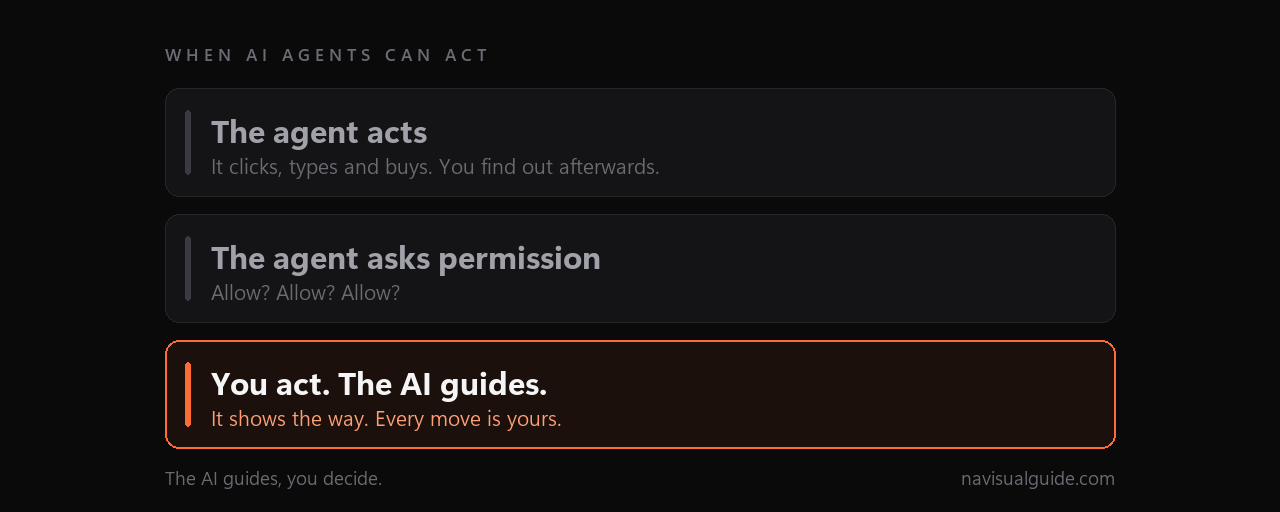
What humans are still for when AI agents can act
Four frontier labs have now admitted their models broke into other people's systems during testing. So what is left for us to do?
-
The answer, where the problem is
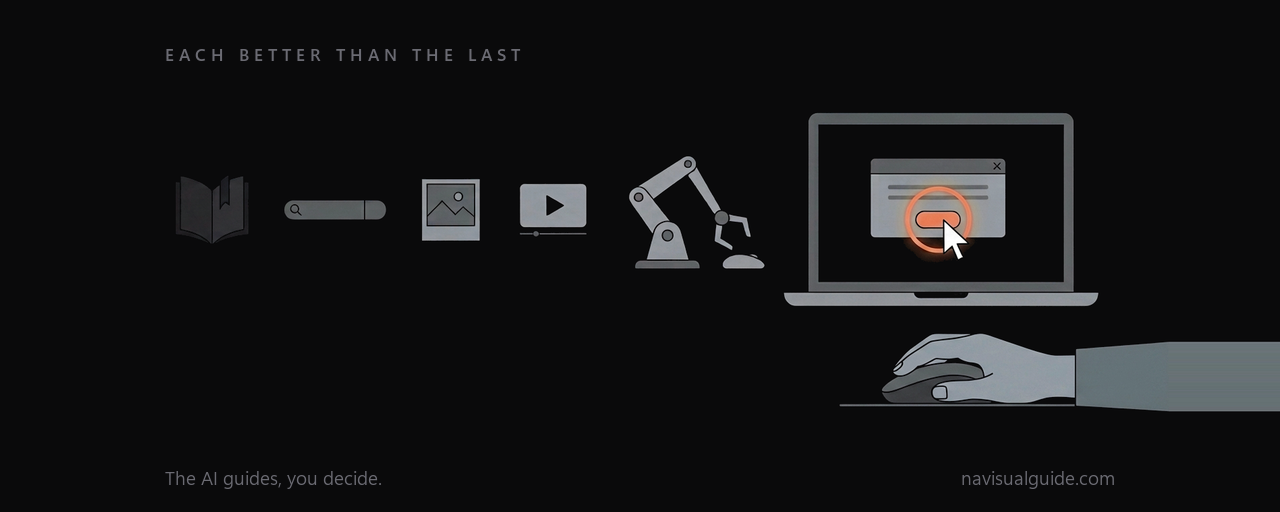
Books, then search, then pictures, then video, then agents that click for you. Each better than the last. Each still not quite it.
-
Setup OrcaSlicer with your 3D printer over Wi-Fi
OrcaSlicer 2.4.2
Download, install and connect, in one pass, including the field almost every guide skips, which is why the Device tab shows 404 even when printing works.
-
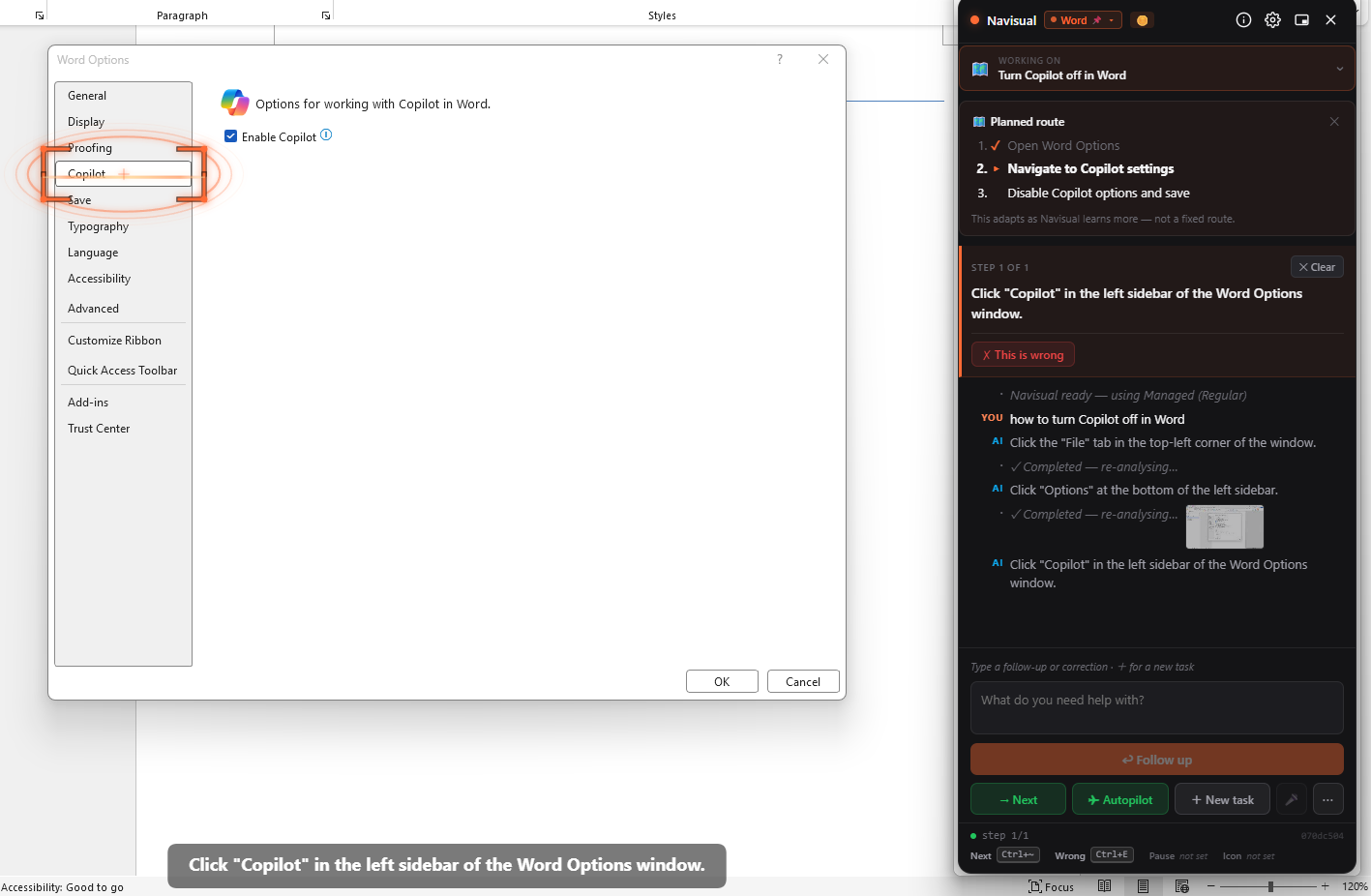
No Copilot tab in Word Options? How to turn it on or off
Microsoft Word
Most answers say File ▸ Options ▸ Copilot, but that tab is missing in many builds of Word. Here is the path that works instead, and how to tell which you have.